You're holding a baby. Probably with one hand. Your other hand is on a phone screen, three weeks of sleep deprivation deep, searching for "best newborn tracker app" at 3 AM. The results are overwhelming. Most look the same. Some have great screenshots and terrible reviews. Some have great reviews from 2019 and haven't been updated since. The free ones want you to buy a subscription before you can change a setting. The paid ones cost $10/month and look like a spreadsheet.
This guide is for that 3 AM search. Whether you end up using Zeitarc or not, here's what actually matters in a baby tracker app — and what to ignore.
Why most baby tracker apps quietly fail
The pattern is consistent. A new parent downloads an app on day three. Uses it for two weeks. Falls off by month two. By the first birthday, the app has been deleted or sits unopened on a back screen.
This isn't because parents don't care. It's because most baby tracker apps are logging tools dressed up as memory tools. They're great for the first month — when you genuinely need to log feedings, diaper changes, and sleep cycles — and useless after that, when those things become routine and you actually want a way to capture memories.
A real baby memory book app has to do one job over five years: be there at the moment, low friction, with something worth keeping at the end. Most don't.
The 7 things that actually matter
1. It works in 30 seconds or less
If capturing a memory takes more than 30 seconds, it won't happen. Period. The bar for any baby milestone tracker app is what you can do one-handed, half-asleep, with a baby in the other arm. Test this on day one. If you have to navigate through three menus to log a first word, find a different app.
A good app uses tap-to-select chips for the common answers and a small text box for the unusual ones. We wrote about why guided wizards beat blank text fields in detail.
2. It captures more than text
A photo is good. A video is better. Audio is unbeatable. Your baby's first laugh as a 3-second voice memo is something you'll listen to in fifteen years and cry. A baby tracker app that doesn't record audio — or makes it a paid feature — is solving the wrong problem.
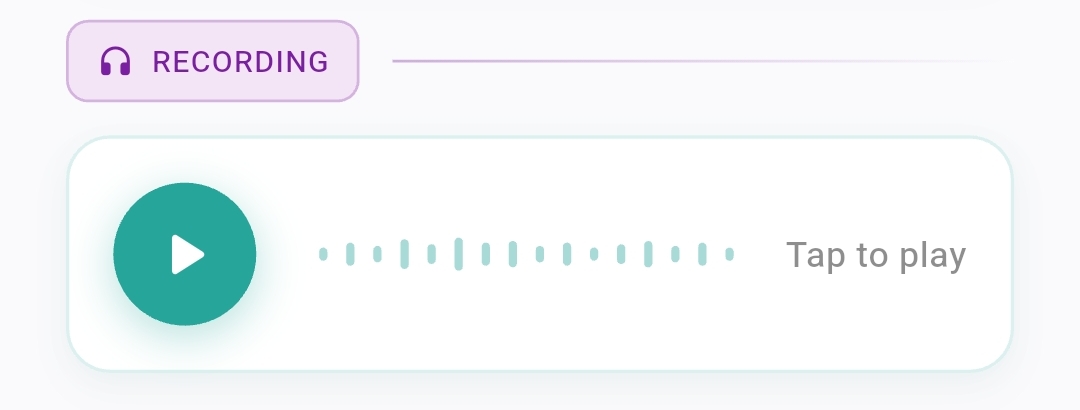
We have a whole post on recording first words — the short version is: do it.
3. It tracks growth, not just feedings
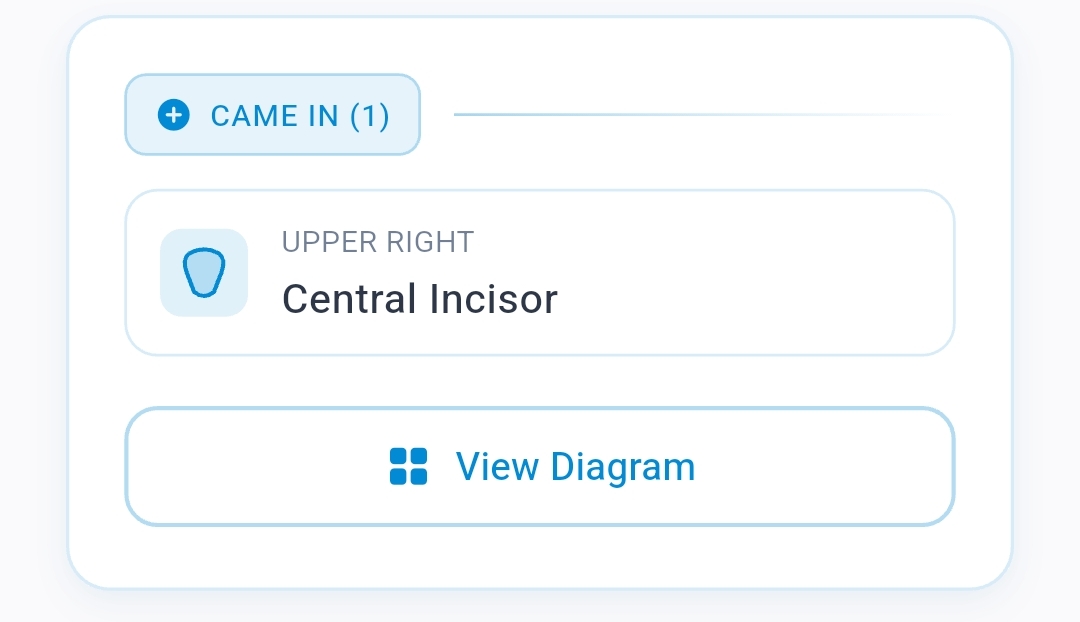
A real baby growth tracker covers more than weight. It covers:
- Teeth — which one came in, when, in what order
- Height — every reading, with the change visible
- Weight — the same, plus a curve
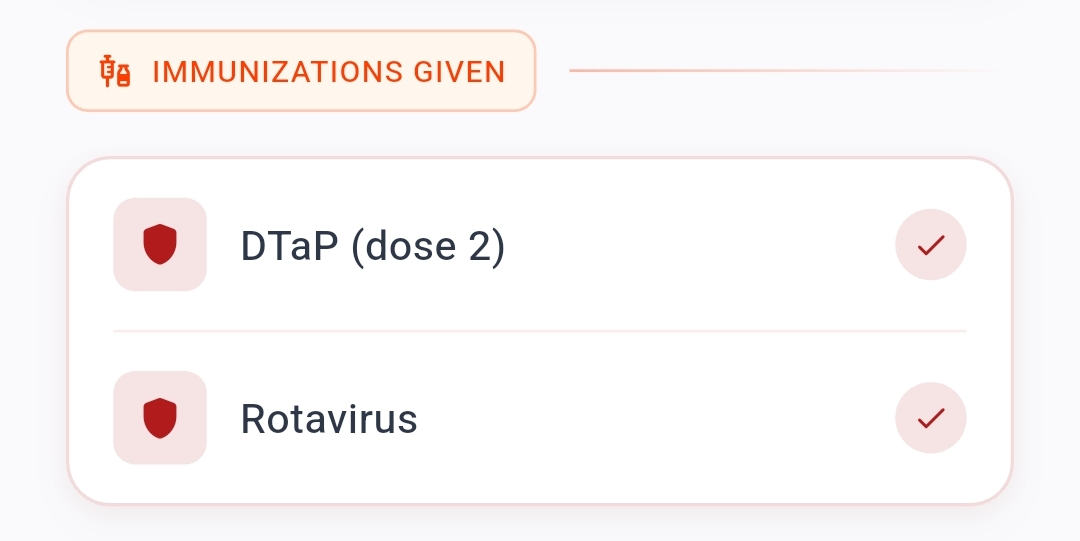
- Vaccinations — every shot, with the next one due
- Sleep milestones — the first time they slept through the night, the first nap, the night they started sleeping in their own room
- Words — every first word, with a date and ideally an audio recording
- Foods tried — favorites, rejections, allergies
If your app only tracks two or three of these, you're going to need three more apps to cover the rest. We've seen parents use a feeding tracker, a sleep tracker, a vaccine tracker, and a notes app for memories — four apps for one baby. That's a recipe for incomplete records and frustration.
4. It has guided templates, not blank pages
Blank pages are the enemy. New parents are tired and overwhelmed; nobody wants to write a paragraph at midnight. Look for an app with guided templates that walk you through specific moments: a Birth Story template, a First Word template, a Doctor Visit template, a First Outing template.
The right number of templates is around 30. Fewer than that and you'll be jamming everything into "Notes". More than that and the app feels overwhelming.
5. It lets you share with grandparents — without hassle
Grandparents want to see everything. They want to be in your baby's life even when they live two thousand kilometers away. A real family timeline app lets you invite them with two taps and set their permissions: viewer (can see and react) or editor (can add their own memories).
The trap to avoid: apps that require grandparents to create an account, install the app, set up a password, and verify an email. By the time grandma gets through that, she's given up. Look for invite flows that work with just an email or a phone number. We wrote about sharing timelines with grandparents and what makes it actually stick.
6. It never holds your data hostage
Read the fine print. Some baby tracker apps store everything on their servers in a proprietary format that you can never export. If the company goes under — and many do — your child's first three years of memories go with them.
Look for apps that:
- Let you export your timeline as a PDF or zip file
- Let you delete your account and take your data with you
- Are transparent about where data is stored and who can see it
- Don't sell your data to advertisers (and say so explicitly in their privacy policy, not just their marketing copy)
7. It looks like something you'd want to revisit
This is the test that matters most: would you actually open this app five years from now to look back?
Most baby tracker apps look like medical software. White backgrounds, gray rows, tiny tables. They're functional. They're also depressing to revisit. The whole point of a baby memory book app is that it becomes the modern equivalent of an heirloom — a beautiful object you'll show your child when they're 18.
If the app you're considering looks like a hospital chart, it'll feel like one in five years. Look for one that's actually been designed.
The 3 traps to avoid
Trap #1: Subscription pressure on day one. Apps that lock basic features behind a $9.99/month paywall before you've even tried them are signaling that they're optimizing for revenue, not retention. Look for apps with a generous free tier and a clear, fair pro option.
Trap #2: "AI baby insights". Be skeptical of apps selling themselves as AI-powered milestone predictors. Your baby's development is yours to celebrate, not a data point for an algorithm. The good apps focus on helping you capture; the bad ones focus on telling you what's "normal".
Trap #3: Walls of metrics. If the home screen of the app is a dashboard with twenty charts, that's a logging tool, not a memory tool. The app you'll actually keep using shows you memories at the top, not numbers.
Why we built Zeitarc differently
Zeitarc started because we were the parents at 3 AM searching that exact search. We tried six baby tracker apps. None of them did what we wanted, which was simple:
- Capture in 30 seconds or less, one-handed
- Photo, video, and audio for every memory
- Growth tracking alongside memories, not in a separate place
- 30+ guided templates for every kind of moment
- Share with grandparents without making them install anything painful
- A beautiful timeline you'd want to revisit on a Sunday afternoon
- Never sell data — that's not a value statement, it's the architecture
If you're shopping for a newborn tracker app and our list above describes what you want, give us a try. If it doesn't, use one of the others — but use the list as a checklist when you do. The worst outcome is not which app you pick. The worst outcome is picking one that you stop using by month three and losing all the memories that come after.
For more on starting a memory routine that actually sticks, see our guide on memory keeping for busy parents and our list of first-year milestones to watch for.
Whatever you choose, the most important thing is that you start now. The first year goes faster than you can imagine. The right baby tracker app is the one you actually open.